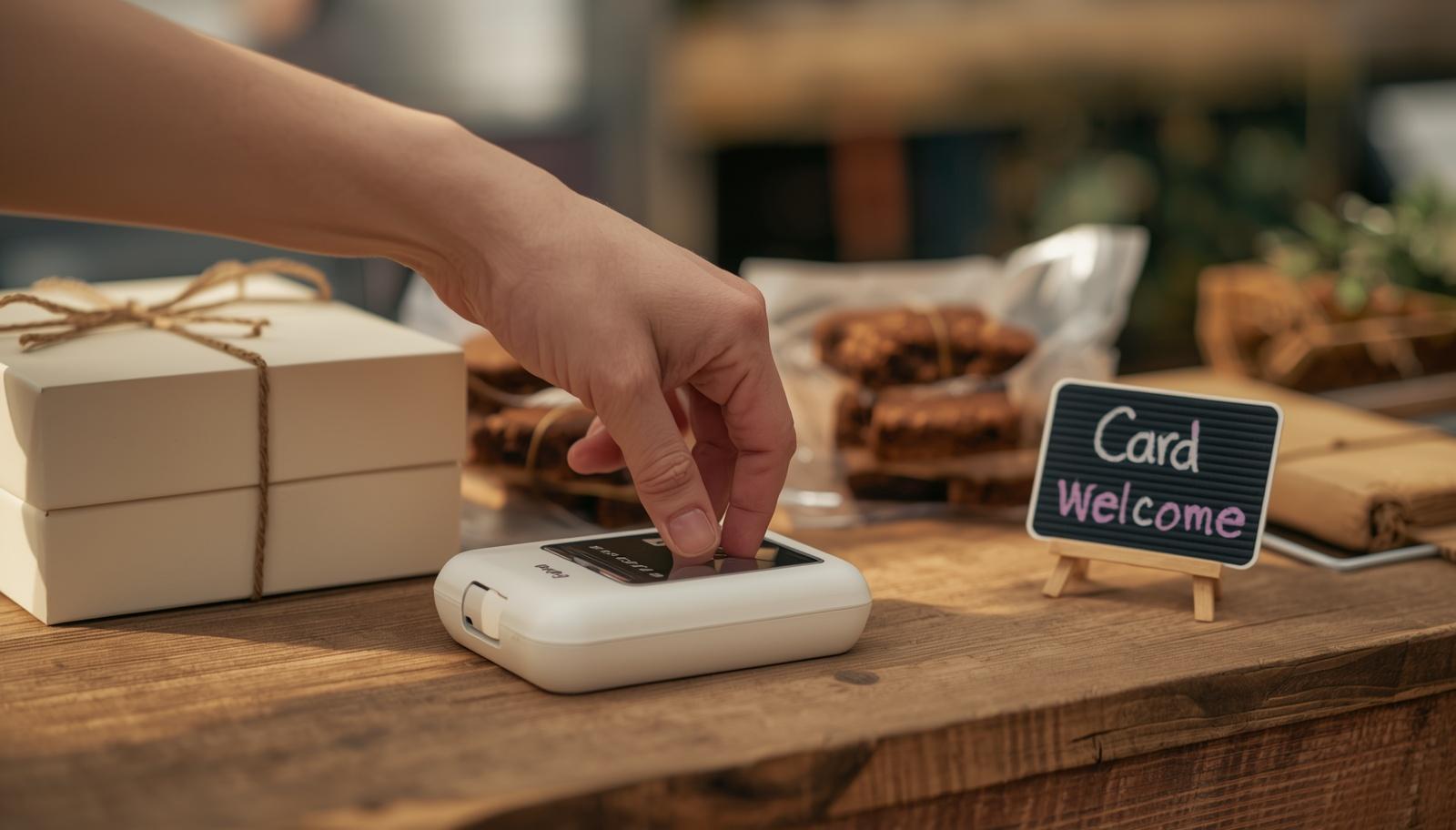
You bake, you sell direct, and more of your customers keep saying the same thing — “I’ve only got card, is that alright?” The answer in 2026 is easier than it used to be, and the wrong answer is still costing small bakers real money.
This guide walks you through every practical way to take card payments as a UK home baker. From the free Tap to Pay option built into your phone, to the dedicated card readers most market traders end up with (SumUp, Square, PayPal Reader), to the QR code backup that saves you when your reader battery dies. Which one you need depends on one thing: how much you are selling a month. The rest of this guide answers that question honestly.
- Around a third of UK adults rarely carry cash — cash-only is now the single biggest conversion blocker for direct-sales bakers
- You may not need hardware at all — Tap to Pay on iPhone (UK, 2024) and Android turns your phone into a card reader, for free
- SumUp Solo Lite (£25, 1.69%) is the lowest-fee dedicated reader on the UK market; Square Reader (£19, 1.75%) is the strong second
- At £1,000/month in sales, SumUp fees cost about £16.90/month — adding 2% to your prices absorbs them painlessly
- The hidden costs most bakers miss: chargeback fees, refund fees that some providers keep, and pro-tier app subscriptions you probably do not need yet
- You do not need a business bank account or VAT registration to start taking card
Do you even need a card reader?
Until about 2023, the honest answer for every UK home baker selling direct was: yes, you need a reader. The only practical way to take card was a dedicated bit of hardware. Cash was a weak substitute.
That has changed.
Tap to Pay on iPhone launched in the UK in early 2024, with Android following shortly after. Any recent smartphone can now accept a contactless card, Apple Pay, or Google Pay directly through the SumUp or Square app. No reader, no dongle, no extra device to pair. The customer taps their card or phone on the back of your phone, and the payment clears in two seconds.
QR code payment links also matured. Monzo.me, Revolut Tag, and every major reader provider give you a static QR code customers can scan to pay on their own phone. Same fee structure as a card reader, zero hardware cost, works anywhere you have signal.
So the question is no longer “do I take card?” — it is “do I need a dedicated reader, or is my phone enough?” The answer depends on volume, which this guide works through properly in a few sections.
Your four options in 2026
You have four real ways to take card as a UK home baker. Most bakers end up using two of them in combination.
Dedicated card reader. A small battery-powered box (SumUp Solo Lite, Square Reader, PayPal Reader) that pairs to your phone over Bluetooth. £19-£69 one-off, 1.69-1.75% per transaction, no monthly fee. Faster than Tap to Pay, runs off its own battery (so it does not drain your phone), and holds up to hundreds of transactions per charge. Still the workhorse for market stalls and higher-volume sellers.
Tap to Pay on your phone. Your iPhone (2019 or newer) or Android (most 2023+ models) doubles as a card reader through the SumUp or Square app. No hardware cost, same per-transaction fee as the dedicated reader, always in your pocket. The catch: it drains your phone battery faster than expected on a busy market day, and the customer has to tap their card on your device, which a few older customers find slightly odd. Ideal for low-to-mid volume and as a backup when your main reader dies.
QR code payment link. A printed or laminated QR code customers scan with their phone camera. The code opens a payment page (Monzo.me, Revolut, SumUp, Square, or PayPal.me all generate these for free). Zero hardware, same fee as the reader, customer uses their own phone. The best option for unattended selling (cake sheds, self-service farm tables) and a near-free backup for any other context.
Bank transfer or payment link. For custom orders, wholesale, private events, and pre-orders — send a payment link or bank details through WhatsApp, email, or a Form before the pickup or delivery date. Customer pays in advance. Bank transfer is free both sides; card via a payment link is 1.4-2%.
Before you decide how to take card, it is worth knowing what you should be charging in the first place. The free recipe costing calculator works out your real cost per unit and a sensible selling price in under two minutes.
SumUp vs Square vs PayPal Reader: the reader comparison
Three providers dominate the UK small-trader market. Here is the comparison — based on cost structure, ease of setup, and what actually matters for a home baker at low-to-mid volume.
| SumUp | Square | PayPal Reader | |
|---|---|---|---|
| Hardware cost | £25 one-off | £19 one-off | £69 one-off |
| Transaction fee | 1.69% (lowest) | 1.75% | 1.75% |
| Settlement | Next day | 1–2 days | Instant to PayPal |
| App & ecosystem | Simple, streamlined | Menu, stock, CRM | PayPal-linked |
| Refund fee retained | Yes (keeps %) | No (returns %) | Yes (keeps %) |
| Best for | Most home bakers | Planning to grow | Existing PayPal users |
| No monthly fee · No minimum sales · Bluetooth + phone data · 8–12 hour battery · Apple & Google Pay | |||
Here is the short verdict on each.
The best fit for most UK home bakers. Lowest fee on the market, no monthly cost, a simple app that does not push features you do not need.
- Pro: Lowest fee (1.69%) of any major UK provider
- Pro: Pays itself back in one busy market weekend
- Watch: Refunds keep the original fee; Square returns it
Square Reader
£19 · 1.75% fee
Cheapest hardware of the three and the best app if you want a menu, stock tracking, or multi-user.
Buy Square Reader →PayPal Reader
£69 · 1.75% fee
Formerly Zettle Reader 2. Only the right pick if PayPal is already your payments home — money lands in your balance instantly.
Buy PayPal Reader →Which reader suits which volume?
The right reader (or lack of one) depends entirely on how much you are selling a month. Here is the honest breakdown.
£0-£100/mo (hobby volume). Do not buy a reader yet. The £25 hardware cost eats a meaningful chunk of a hobby month’s margin. A free Monzo.me QR code printed on a small card plus Tap to Pay on your phone through the SumUp app covers every payment scenario you will face. Reassess when you have hit £100/mo three months running.
£100-£500/mo (regular selling). Tap to Pay on your phone through the SumUp or Square app is usually plenty. Free to set up, clears a contactless card in the same two seconds a dedicated reader does, and it is always in your pocket. If you do a regular market and want the speed and professionalism of a dedicated device, a Square Reader (£19) is the cheapest way in. Still no monthly fee.
£500-£2,000/mo (growing). SumUp Solo Lite (£25, 1.69%) is the sweet spot. Lowest per-transaction fee of the three major providers, no monthly fee, pays itself back in a week of busy weekends. Square Reader is fine if you prefer its app — the fee difference (1.75% vs 1.69%) costs you roughly £1 per £1,000 of sales, which matters less than the feature set you will actually use.
£2,000+/mo (established). Still SumUp or Square, but now worth looking at the paid app tiers. Square for Retail (£25/mo) adds stock tracking, multiple seller logins, and a proper customer database. SumUp Payments Plus (£19/mo) drops the per-transaction fee to 0.99% and adds invoicing and custom receipts — at £2,000/mo the lower fee alone usually pays the subscription back. The maths is simple: if the paid tier saves you thirty minutes of admin a week, it pays itself back at any reasonable hourly rate.
How to set up your card reader — a walkthrough
Here is the SumUp Solo Lite setup end-to-end, from ordering to taking your first real payment. The other two providers are similar but vary in small ways.
1. Sign up with SumUp (15 minutes). Go to sumup.co.uk, click Sign Up, enter your name, UK address, and email. You will be asked for: your bank account details (sort code + account number — personal account is fine to start), a photo of your ID (driving licence or passport), and your business type (select sole trader if you are not a limited company). Approval is usually same-day.
2. Order the reader (3-5 days to arrive). £25 one-off. It ships in a small box with a USB-C charging cable. No contract, no hidden fees, no “free if you commit to £X monthly” nonsense.
3. Download the SumUp app and sign in. Charge the reader fully before you pair it — takes around two hours from empty.
4. Pair the reader over Bluetooth (2 minutes). In the app, tap Settings → Card Readers → Pair New Reader. Hold the button on the reader until it beeps, then follow the app prompts. You know it is working when the reader shows a small green tick.
5. Turn on email and SMS receipts (1 minute). In the app, Settings → Receipts → Send by default: On. Customers can enter their email or phone at the reader after they tap. Receipts are free to send and signal that you are a proper business. Do this before the test in the next step so the test payment’s receipt actually arrives.
6. Run a £0.01 test payment (2 minutes). In the app, enter 1p, tap Charge, then tap your own card on the reader. You will get a real confirmation email at the address you set up in the previous step. Then go into the app’s transaction history and refund the 1p — you get the penny back and a quick check that refunds work too.
7. Set up monthly statement exports (5 minutes, once). Settings → Statements → Monthly PDF. Arrives by email on the first of each month — hand it straight to your accountant or paste into your own bookkeeping spreadsheet. Year-end goes from painful to an afternoon.
That is the full setup. From signing up to taking your first real payment, most bakers are live within a week.
The hidden costs most bakers miss
The percentage fee (1.69% or 1.75%) is the headline cost. Three other charges catch home bakers off guard if you do not look for them.
Chargebacks. When a customer disputes a charge through their bank — usually because they do not recognise the transaction on their statement — you can be hit with a chargeback fee (SumUp £8, Square £12, PayPal Reader £15) on top of refunding the sale. Chargebacks on food bought in person are rare, because the customer has the product in their hand. They happen. The simple protection: set a clear trading name in your account settings so Jane’s Bakes appears on the customer’s statement, not your legal business registration name.
Refund fees. When you refund a sale, SumUp and PayPal Reader keep the original percentage fee — a refunded £10 sale costs you 17p. Square returns the fee in full. For a market baker with near-zero refunds, this is pennies. For a custom-order baker who occasionally has to refund for a damaged delivery or a last-minute cancellation, Square is the cheaper option over a year.
Pro-tier subscriptions. All three providers push you toward a paid app tier (£15-£30/mo) for features like stock tracking, invoicing, and multi-user access. At hobby volume, skip them — the free tier is genuinely fine. At £2k+/mo turnover, they can earn their keep. At anything in between, you are paying for features you do not yet use. The app will remind you about the paid tier. Dismiss it until the feature becomes a real bottleneck.
Factor card fees into your prices
Card fees are small per transaction but compound across a year. If you do not absorb them in your prices, they silently erode the margin you worked hard to build.
Here is the maths for a home baker turning over £1,000 a month.
Over a year those fees add up to £203 — and if your net margin is around £2 per product, that is 100 products you baked for the card company rather than yourself.
The fix: add 2% to your card-paid prices. A £3.50 Biscoff Brownie becomes £3.60. A £25 Victoria Sponge becomes £25.50. Customers do not notice. The 2% absorbs the fee, covers the small admin overhead, and gives you a tiny buffer on top.
Apply the same 2% to every product. Do not try to calculate fee-per-item — the per-transaction maths does not scale, and you will spend more time in a spreadsheet than you save. One percentage, one time, across everything.
If you sell across multiple channels (direct sales, wholesale, delivery apps) and each channel has a different fee structure, the Food Costing Toolkit handles this properly — it lets you set a different fee assumption per channel and shows the net margin you actually keep on each.
Setting up for your selling context
Once you have picked a reader, the specific setup depends on where and how you sell. The patterns below cover the four most common UK home-baker contexts.
At a market stall. You need a reader that holds charge for six-plus hours, a phone that does not die by lunchtime, and a QR code on the front of your table as a backup. See How to run your first market stall for the full stall setup — signal checks, power options, and positioning the reader so customers feel comfortable tapping.
At a cake shed. Card readers work best when the shed is attended. If yours is unattended most of the time, a printed QR code on the wall is your primary method, with the reader brought out only during your selling hours. See How to set up a cake shed for taking payments for shed-specific rules on weatherproofing, power, theft-proofing, and shrinkage.
For custom orders, private events, and any booking with a set date (celebration cakes, wedding cakes, pop-up catering, corporate event orders). Split the payment into a deposit at booking — usually 25-50% of the total, non-refundable — and the balance due 48 hours before delivery or collection. Send both as payment links through WhatsApp or email; SumUp, Square, and Stripe all generate links in under thirty seconds. The deposit secures the slot in your baking calendar and protects you against last-minute cancellations, and customers expect this model for any order above roughly £50.
For online pre-orders and wholesale. Payment in full at checkout, not after. A Stripe, SumUp, or Square payment link in a confirmation email is the quickest route to paid-in-advance.
Setting up card payments once, properly, is the single highest-leverage admin job a home baker can do. Customers who want to buy from you will buy from you. Your job is to not get in their way.
Common questions
Which card reader is best for a UK home baker?
Do I need a business bank account to take card payments?
Is Tap to Pay on my phone as secure as a dedicated reader?
What about Apple Pay and Google Pay?
Do I have to pay tax differently on card sales?
What if signal is patchy where I'm selling?
What about Stripe Terminal — why isn't it in the comparison?
Price every product properly.
Stop guessing what to charge. The Food Costing Toolkit works out every cost that goes into your products — ingredients, labour, overheads, margin, and platform fees — across six connected spreadsheets. Update one ingredient price and every recipe that uses it recalculates automatically.
Get Price It Right — £79One-time purchase · no subscription · PDF guide included